Figma
What is it?
Figma is the industry standard design tool used by teams to package, align and communicate on the designs of their products.
Openness & Etiquette
Figma is an open and transparent space, anyone on the team can see and play with any file. This is intentional and helps everyone stay aligned, but it comes with a shared responsibility:
If you want to explore or experiment, duplicate the file or page first and work in your copy. Please don't edit completed flows or shipped designs directly.
Projects
| Project | Purpose |
|---|---|
| ESP Platform | Core product design for the ESProfiler platform. Currently mid-restructure, moving from a file-per-feature layout to a file-per-page layout, where each page represents a ticket/continuation of a feature. These will become the living, source-of-truth files. |
| ESP Product Management & Design Thinking | Discovery and strategy work, journey maps, personas, workshops, roadmapping. Owned jointly by Product Management and Design. |
| ESP Design System | The design system, components, tokens, and foundations, one file per library. Includes a reference copy of the Vuetify library used to build the front end. Currently a work in progress. |
| ESP Marketing Content | Marketing assets, social media, ads, decks, and campaign content. Overlaps with the assets in Branding. |
| ESP Capability Exchange | Design for the Capability Exchange, a free product we offer, a complimentary website for identifying initial product and framework gaps. |
| ESP Website | Design for the public marketing site, esprofiler.com. |
| ESP Team Spaces | Personal sandbox space, one file per person. Convention is to name your file after yourself, e.g. "Andys Space". |
| Archive | Deprecated designs and extensive explorations that are no longer part of the main platform files. |
Project structure
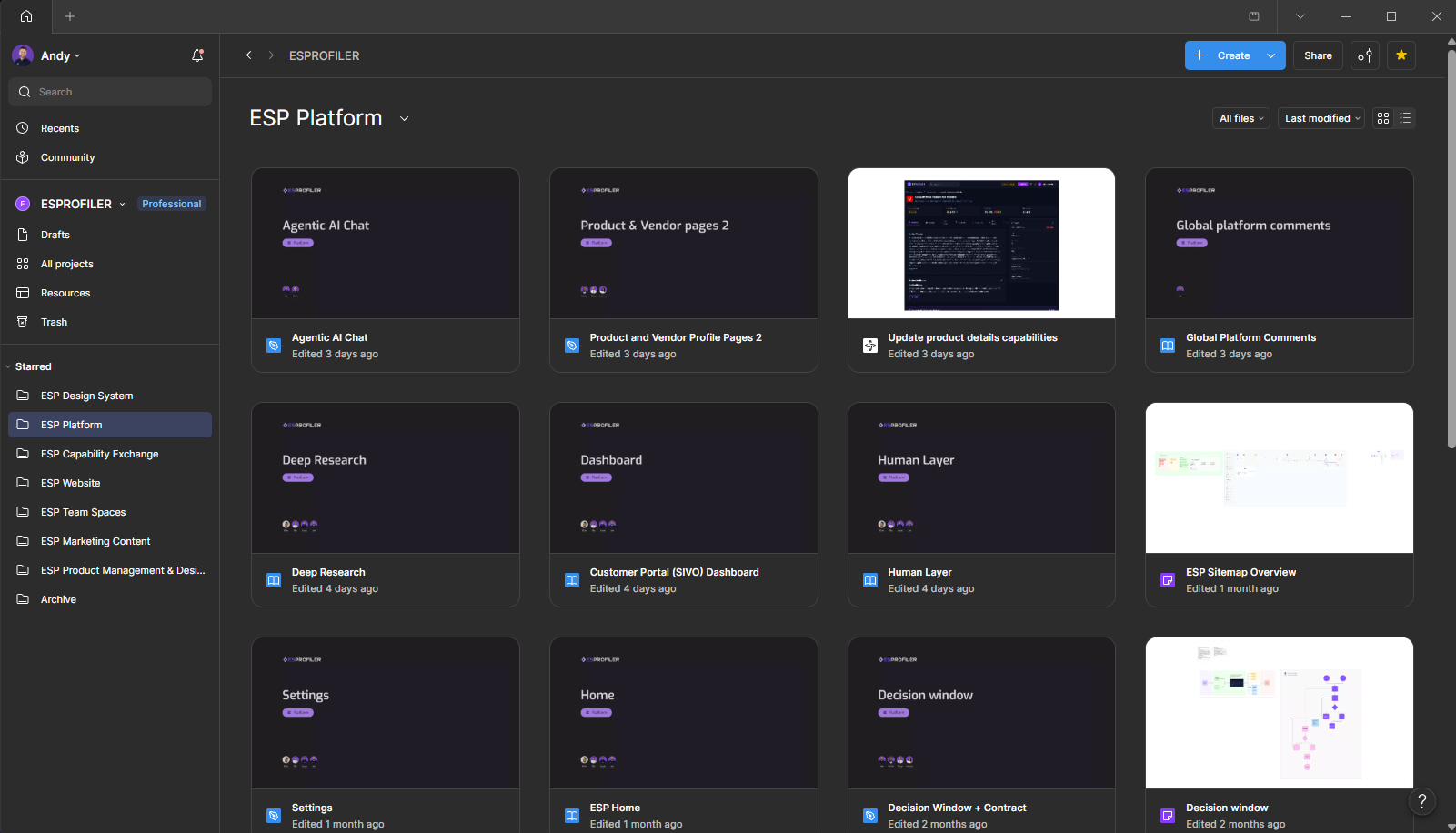
Although still subject to slignment the current direction is that the files will be split up by pages. If there are global features like "Search" these will have it's own file.
File structure

All files have their own covers that should have information at a glance. The covers are consistent and should convery the following information:
| Field | Description |
|---|---|
| Title | Clearly indicates the area the design is focused on. |
| Area | For example "platform" is shown as a tag. If the design focuses on the website it will have a "Website" tag with it's own indentifiable icon and colour. |
| Team members | Who contributed to the design in case future team members have questions and know who to come to. |
Navigating a file in Figma
Each Figma file will have a defined structure to make it easier to navigate. The work items should be tied to Git Issues. All information that contributes towards a work item should be added to the Figma file.
Templates
Each file will have a [XXXX] Template Ticket page. When you have a new work item duplicate this page.
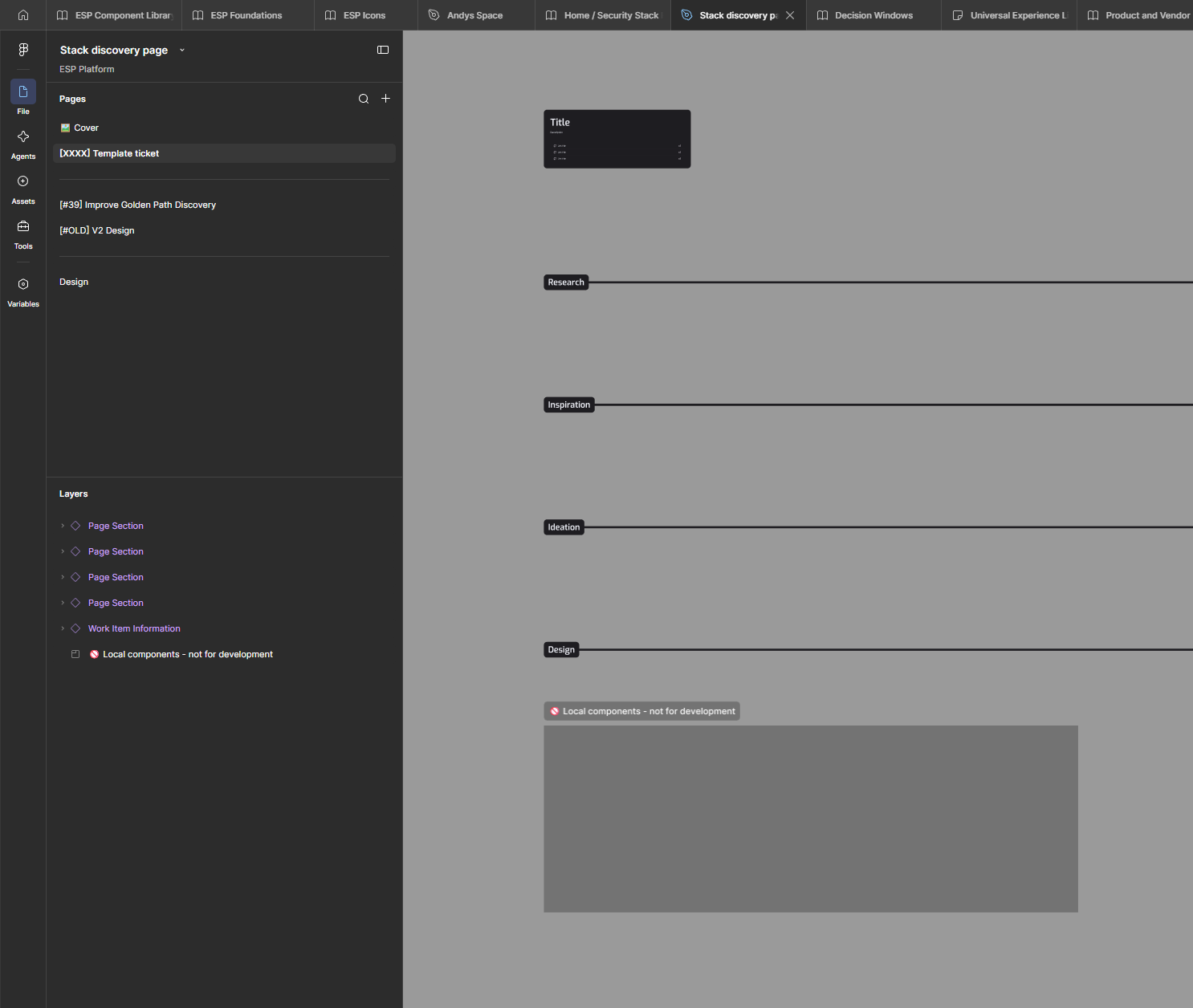
Within the duplicated page you'll see some guideline sections for your work. Update the [XXXX] to be the issue number associate with the work item. for examples [#39].
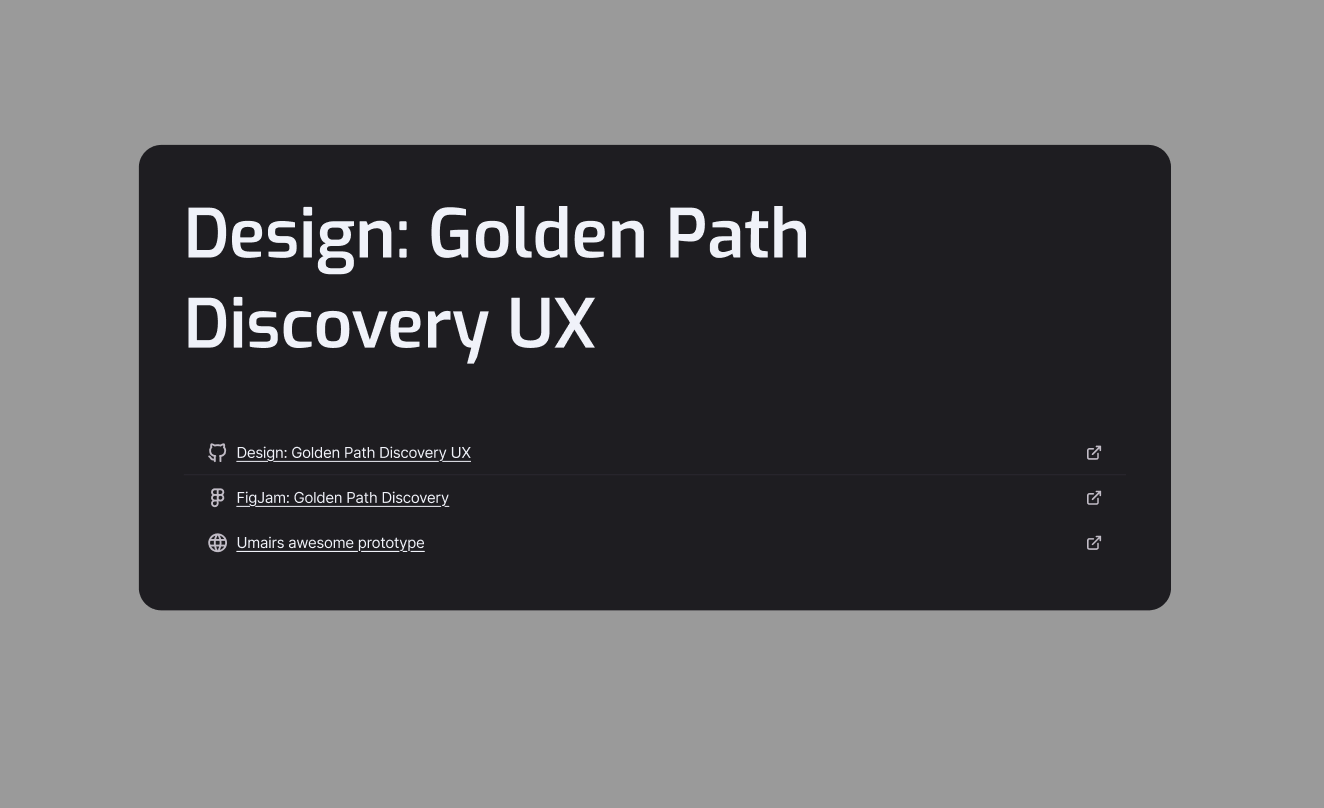
All the relevant links connected to the work should be stored within the title for quick access.
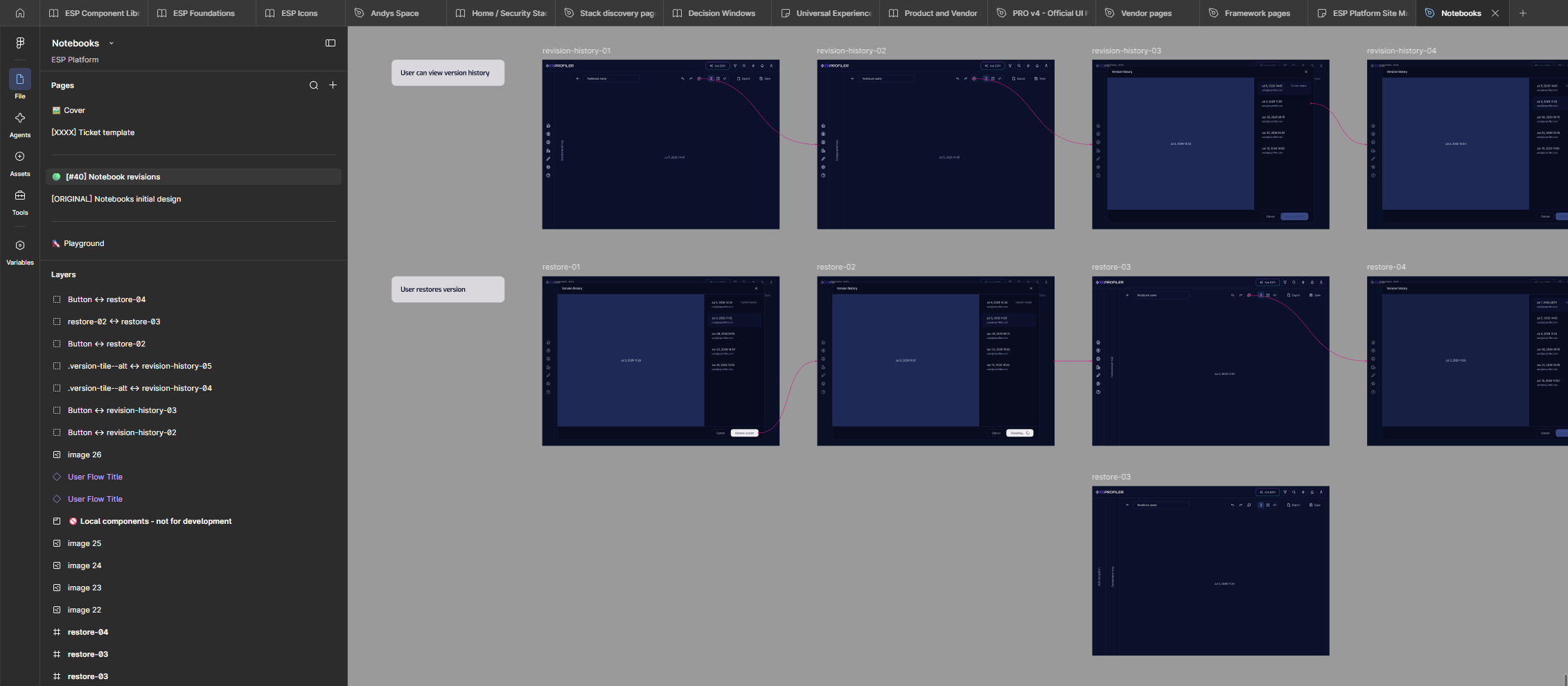
During the design phase these files can be quite erratic. I like to keep all my design explorations as they can come in handy for the same item or future items. If you're viewing these in progress files the rule of thumb is I work down the file, The latest should be at the bottom.
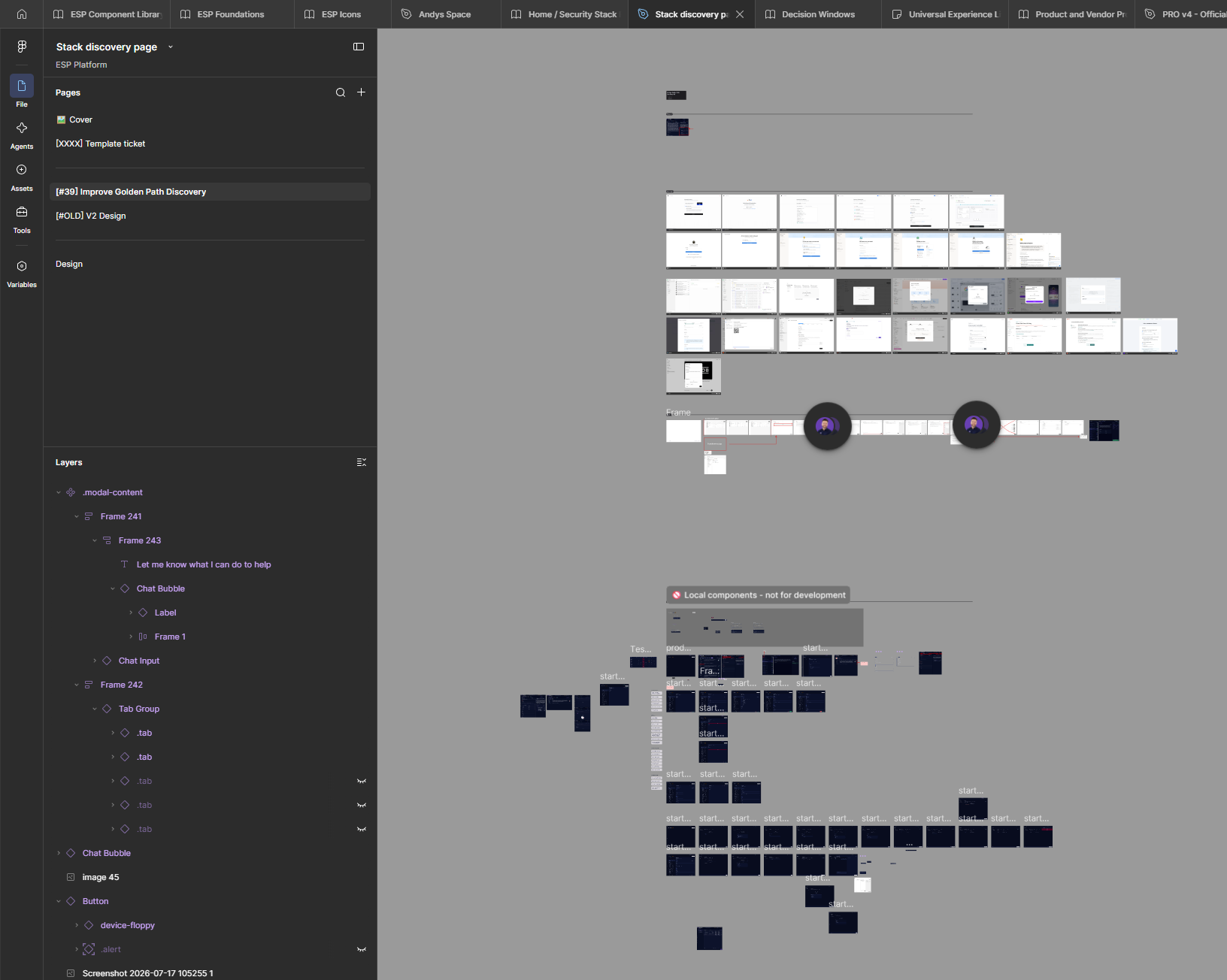
These are "in progress" designs. "Complete" designs will be cleaned up with user flows at the start of each row and contain notes and arrows for UX interactions.